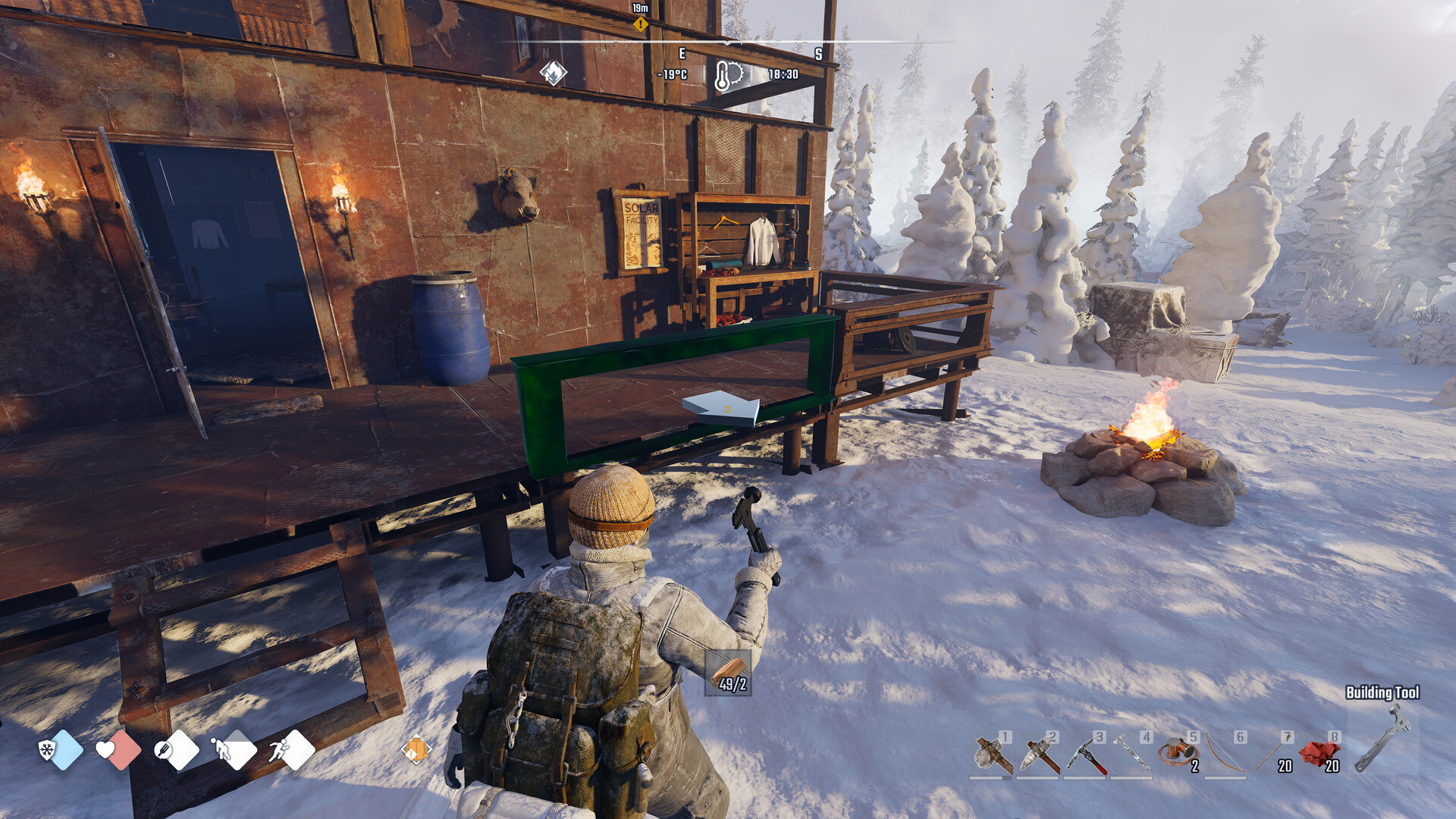
Which Permafrost mods can you use?
Permafrost mods on Nexus Mods include More Backpack Slots, Custom Stack Size, Northland Companions Backpack and QuickStash - UE4SS, covering backpack capacity, stack limits, dog storage and stashing carried items. Judge compatibility by matching each author's requirements to your game and UE4SS versions, then checking the save-removal warnings and co-op testing notes.
Choose the mod that changes your storage problem
These are third-party modifications, rather than official features promised by SpaceRocket Games. Start with the change you actually want: extra backpack room, different stack limits, more companion storage or easier stashing. Follow the matching author page instead of treating the mods as interchangeable.
| Mod and author | What it changes |
|---|---|
| More Backpack Slots by KumasanGames | Adjusts backpack capacity. Choose it when additional carrying slots are the change you want. |
| Custom Stack Size by KumasanGames | Adjusts item stack limits. Choose it when you want to change how much an item stack holds. |
| Northland Companions Backpack by ludvig08 | Adjusts dog inventory capacity. Choose it when your companion's storage is what you want to change. |
| QuickStash - UE4SS by LuckyAisaka | Transfers carried items into nearby constructed storage chests. Choose it when putting loot away is the task you want to streamline. |
Check requirements before changing your installation
QuickStash's author reports single-player testing and has not tested multiplayer compatibility. Use that distinction when deciding whether to add it to a shared world, and read the co-op notes for any other mod you choose. The mod descriptions do not establish compatibility with every future hotfix or co-op world.
Install using the layout for your chosen mod
Use the actions below that apply to your chosen mod. The authors specify different installation locations, so the extraction destination matters. Keep the author page open while installing so you can follow its own setup and configuration instructions.
- For More Backpack Slots, install UE4SS v3.0.1 in Permafrost/Permafrost/Binaries/Win64. This satisfies the loader requirement and location specified by its author.
- Extract the More Backpack Slots archive into the ue4ss folder in that directory. The resulting mod folder should be ue4ss/Mods/MoreBackpackSlots.
- For Custom Stack Size, extract its archive at the main Permafrost game directory while retaining the packaged folder structure. This follows its author's extraction layout.
- For Northland Companions Backpack, place the mod in ue4ss/Mods. This uses the installation location specified for the companion-storage mod.
- For QuickStash, follow its author's directory setup, including its UE4SS requirement. This keeps the installation tied to QuickStash's own instructions.
- Read QuickStash's configuration and F6/F7 shortcut instructions before using it. Use the author's explanation to learn the controls for your setup.
Prepare your inventory before removing a storage mod
More Backpack Slots carries a removal warning: items stored beyond the original slot limit can become inaccessible or disappear after the mod is removed. Custom Stack Size's author advises reducing oversized stacks and backing up saves before uninstalling. Make inventory cleanup part of your removal plan before changing the mod files.
- Back up your save before uninstalling Custom Stack Size. This follows the author's save precaution before removal.
- Reduce oversized item stacks before removing Custom Stack Size. This follows the author's advice for preparing an inventory that uses expanded stack limits.
- Move items out of slots beyond the original backpack limit before removing More Backpack Slots. This avoids leaving belongings in slots covered by the author's removal warning.
- Follow the removal instructions for the specific mod you installed. Use its author page to decide what to remove instead of borrowing file-deletion steps from another mod.